
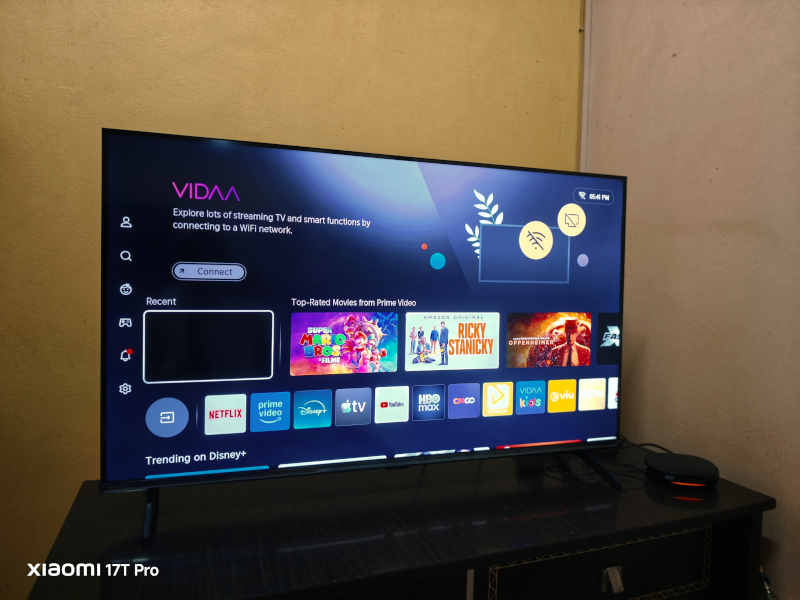
The Hisense 43E6Q 4K TV Review: Budget King or Total Flop?
June 24, 2026- Type: Smart TV, 43- inch
- Resolution: 4K Ultra HD (3840 × 2160 pixels)
- Dimensions: 963 × 606 × 221 mm (With Stand)
- Weight: 6.1kg
- Operating System: VIDAA
- Wall Mount: Yes 200 x 300
- Speaker: Yes
- Features: Multi-Device Screen Share, 4K AI Upscaler, Dolby Vision HDR,
- Ratings: 4/5
- Price: RM 1250
If you are hunting for a cheap 4K TV, the Hisense 43E6Q is likely sitting in your shopping cart right now. It costs less than a pair of hype sneakers, but does a sub-budget price tag mean trash-tier performance? Here is the real, unfiltered verdict after living with this 43-inch panel for everything from background noise during chores to casual gaming.
Before we begin this review, it is worth mentioning that the Hisense 43E6Q was purchased by the reviewer and was not provided by the brand. This is an honest, unbiased review based on real-world usage and everyday experiences.
If you are looking for an affordable Smart TV that is easy to use, especially for households with elderly parents, the Hisense 43E6Q is a model that deserves your attention. Now, let’s find out whether this budget-friendly TV is truly worth buying.
The Beginner & Elderly Usability Test: Is it Actually Simple?
Switching from a classic, basic “cable-and-antenna” setup to a modern Smart TV can feel like learning a completely new language. For elderly relatives, a screen filled with endless menus, sign-in prompts, and glowing app recommendations is usually a recipe for frustration.
Thankfully, the Hisense 43E6Q handles this transition exceptionally well, making it one of the least intimidating budget smart displays on the market. Here is why it works for tech beginners:
1. The Power of the “Instant-On” Boot Time
Older TVs turned on instantly. Many modern high-tech TVs (especially heavy Google TV or Android models) feel like computers—they can take up to 40 seconds to load the home screen when cold-booted.
Because Hisense uses the lightweight VIDAA OS, the 43E6Q fires up in a few seconds. There is no loading lag, which immediately feels familiar and comfortable to someone used to older hardware.
2. Direct-Button Remote Control
You don’t need to teach a grandparent how to navigate an intricate digital app store just to watch the news. The physical remote control features giant, dedicated, hard-coded plastic buttons for the absolute essentials:
Netflix, YouTube, and Prime Video all have their own physical buttons.
Pressing one instantly forces the TV into that app—even if the TV was completely turned off. It completely bypasses the main menu dashboard.
3. The Horizontal “Lean-Back” Interface
If they do press the Home button, they aren’t greeted by a confusing maze. VIDAA uses a simple, clean, horizontal row of icons across the screen.
You can easily arrange the apps so that their local TV channels or preferred streaming apps sit at the very front. The text is naturally large, uncluttered, and highly readable from a distance across the room.
4. Voice Search Overcomes Typing Frustration
Typing text letter-by-letter on a digital screen using a directional pad is an absolute nightmare for elderly arthritic hands or anyone with poor eyesight.
The built-in Voice Command button completely solves this. A user can simply hold down the microphone button on the remote and say “Open YouTube” or “Search for classic movies”. The AI voice processing interprets natural commands accurately, instantly dropping them exactly where they need to go.
5. Mistake-Proof Security (No “Accidental” Settings Changes)
One major issue with Android-based smart systems is that a curious or confused user can accidentally dig deep into advanced system settings, change developer options, or download weird third-party malware apps.
Because the 43E6Q runs a closed, highly secure web ecosystem, it is effectively impossible to break the system software accidentally. It keeps the settings simple, safe, and entirely locked down.
The One Thing to Teach Them: The “Back” & “Home” Safety Nets
If you are setting this up for an elderly relative, you only need to teach them two universal safety rules:
Got Lost? Press Home: No matter how deep into an app or menu they get, hitting the physical Home button brings them right back to safety.
Wrong Click? Press Back: The dedicated Back arrow cleanly backs out of menus step-by-step without breaking anything.
The Display: Punching Above Its Weight
For an entry-level panel, the picture quality is a pleasant surprise. Hisense loaded this with Dolby Vision and HLG HDR, which actually makes a noticeable difference in color depth when streaming.
Is it going to be blindingly bright like a flagship OLED? Absolutely not. But for a standard LED-backlight TV, the 4K clarity is crisp, and the contrast is surprisingly decent for movie nights.
Visuals & Panel Performance
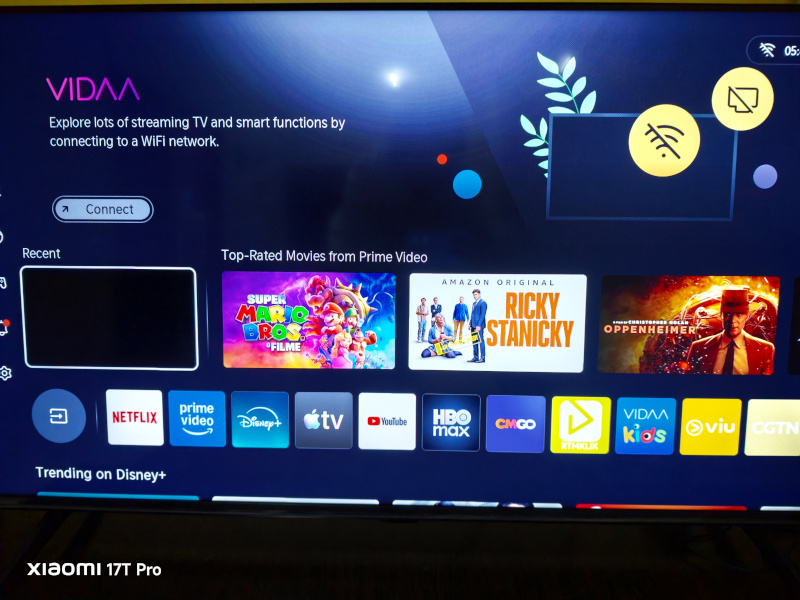
4K Ultra HD Display: Features a native 3840 \times 2160 resolution at a standard 60Hz refresh rate.
Direct Lit Full Array Backlight: Offers a direct LED placement behind the display panel, allowing for more consistent backlight distribution and precise contrast control compared to edge-lit alternatives.
Total HDR Solution: Supports premium high-dynamic-range formats, including Dolby Vision and HLG (Hybrid Log-Gamma) to unlock richer colors and better shadow details in dark scenes.
Hi-View AI Engine: Utilizes an integrated picture engine that continuously analyzes frame-by-frame content to intelligently enhance brightness, upscale sub-4K footage, and tune colors.
Adaptive Light Sensor: Automatically registers ambient room brightness to dynamically optimize the screen’s output for daytime watching or dark-room movie nights.
Gaming Technology (Game Mode PLUS)
Auto Low Latency Mode (ALLM): Automatically switches the display into its lowest latency settings when a game console is detected, dropping input lag to \le 20ms.
Variable Refresh Rate (VRR): Supports 60Hz VRR to help match frame rates and reduce screen tearing during fast-paced gameplay sessions.
Smart Interface & Ecosystem
VIDAA Smart OS: Running on Hisense’s proprietary platform, providing a highly optimized, lightweight UI that boots quickly and gives instant access to major global applications like YouTube, Netflix, and Disney+.
Smart Voice Control: Includes built-in support for voice commands directly through the companion app or voice-enabled remotes (varies slightly by localized region).
Audio Suite
2.0 Channel Audio: Packs down-firing stereo speakers pushing 20W total output power (2/times 10\text{W}).
DTS Virtual:X & Dolby Audio: Offers virtual surround sound processing to deliver a wider soundstage and clearer dialogue without needing immediate external soundbars.
Physical & I/O Connectivity
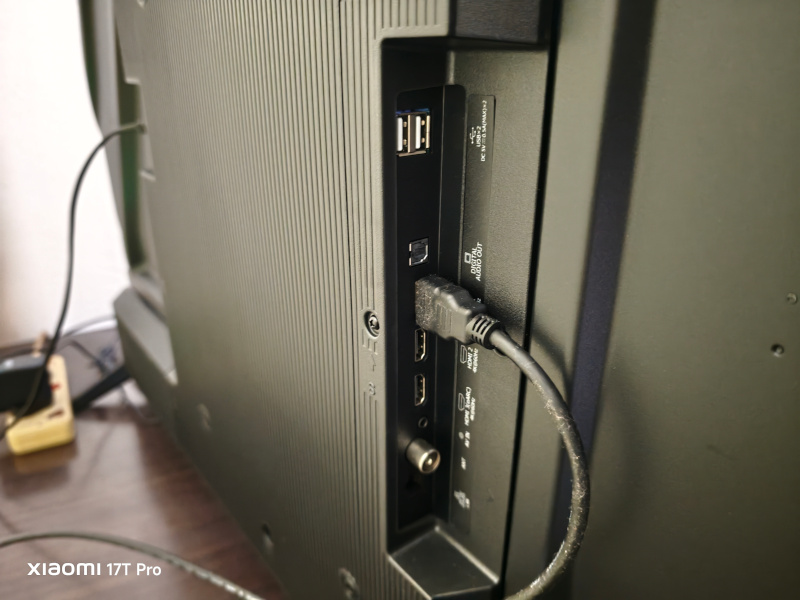
HDMI Layout: 3x HDMI ports (built to modern standards supporting ALLM, 60Hz VRR, and eARC audio pass-through on HDMI port 3).
USB Ports: 2x USB 2.0 ports for local media playback.
Network & Wireless: Built-in dual-band Wi-Fi (2.4\text{ GHz} / 5.0\text{ GHz}) alongside a dedicated RJ45 Ethernet terminal.
Form Factor: Highly compact at 963 mm wide and weighing a nimble 5.9 kg without its stand, utilizing a standard 200×300 mm VESA wall-mount configuration.
The Brains: VIDAA Smart OS
Unlike budget competitors that rely on heavy, resource-intensive versions of Android TV, Hisense uses its own lightweight platform.
The Benefit: It is lightning fast. Because the operating system doesn’t have bloated background processes, the 43E6Q boots up almost instantly, apps launch with zero hesitation, and navigating through settings feels snappy and responsive. It’s a completely friction-free, “lean-back” interface.
Core Smart Features on the 43E6Q
1. Global & Local App Hub
The TV comes pre-installed with the heavy hitters right on the home screen: Netflix, YouTube, Prime Video, Disney+, and Apple TV+.
The Reality Check: The app store provides access to hundreds of options, but it is proprietary. While it covers major global streaming giants, it lacks the sheer, infinite volume of niche apps or regional APKs you can find on a Google TV or Android ecosystem.
2. Triple-Protocol Wireless Mirroring
Sharing content from smaller devices onto the 43″ 4K panel is highly versatile because the software supports multiple casting standards natively:
Apple AirPlay 2: Seamless casting directly from iPhones, iPads, or MacBooks.
Miracast & Anyview Cast: For seamless mirroring across Android phones and Windows laptops.
DLNA Compliance: Easy media sharing across your home network.
3. Voice Control & Smart AI Engines
The software includes Voice Command capability. Instead of frustratingly typing titles on a directional pad, users can hold the mic button on the remote to launch apps or search for movies by voice.
Furthermore, the “smart” element extends directly to picture processing: the AI 4K Upscaler uses intelligent algorithms to automatically upscale older 1080p content (like classic YouTube videos) to fill the 4K display.
4. Smart Remote App Connection
If the physical remote control gets lost under the couch cushions, the TV links up perfectly with the VIDAA / RemoteNOW smartphone app. This turns a smartphone into a fully functioning remote, keyboard, and even an “air-mouse” for much faster web browsing on the TV’s integrated browser.
The Verdict
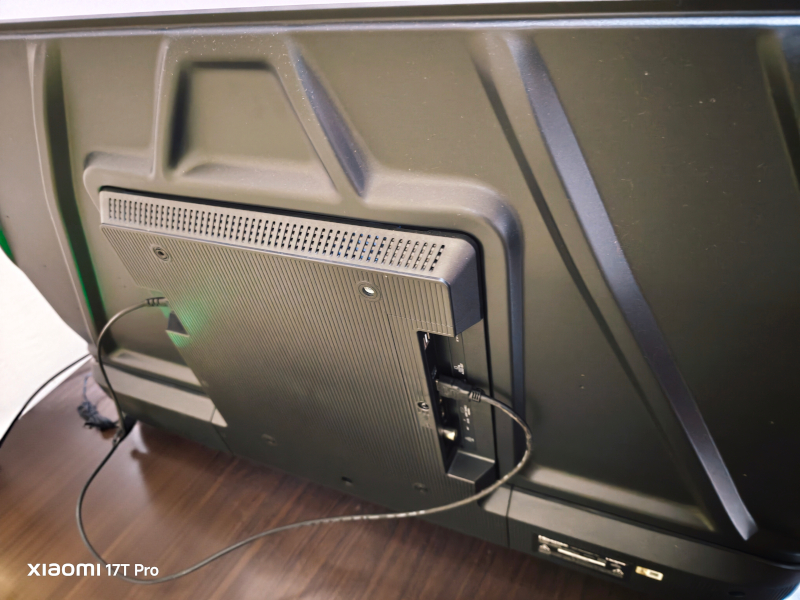
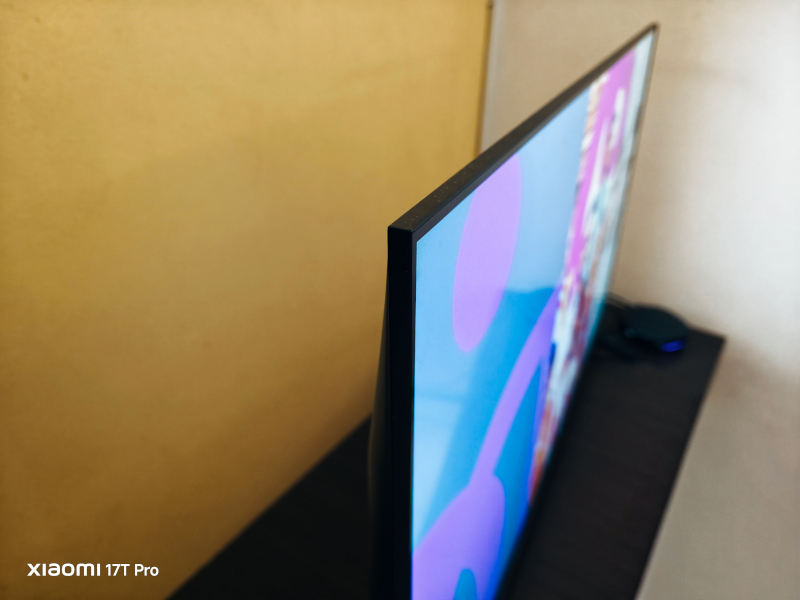
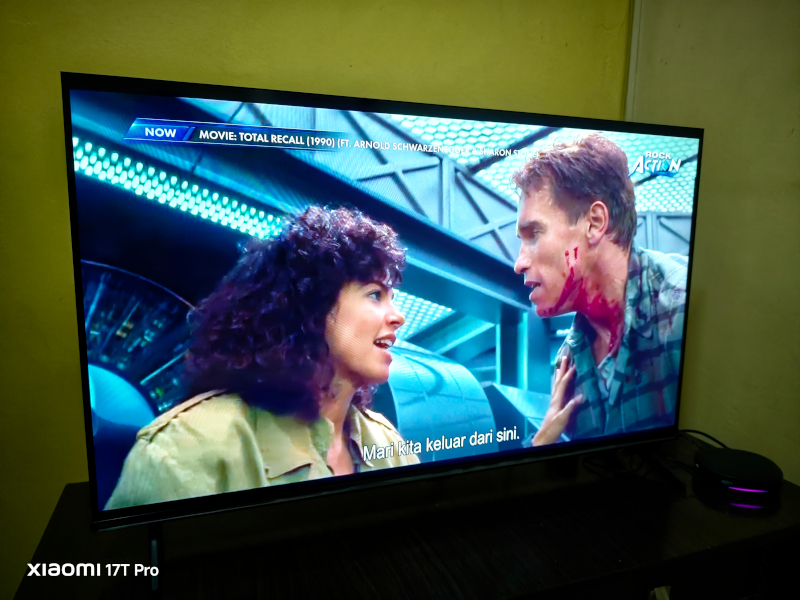
The Takeaway: The “Smart” aspect of the Hisense 43E6Q trades infinite customization for sheer speed. It doesn’t offer the massive app playground of Google TV, but it rewards you with an interface that never lags, crashes, or makes you wait just to change an input or open YouTube.